Sign in to Apple Developer Program
Skip this step if you have previously joined the Apple Beta Software Program with your Apple Account.
From your iPhone, iPad or Mac, go to Developer.apple.com/account, log in with your Apple Account (This account is also signed in on your Apple TV in Settings > Users and Accounts). Then agree to the terms and conditions and move on to the next step.
Learn how to join the Apple Beta Software Program →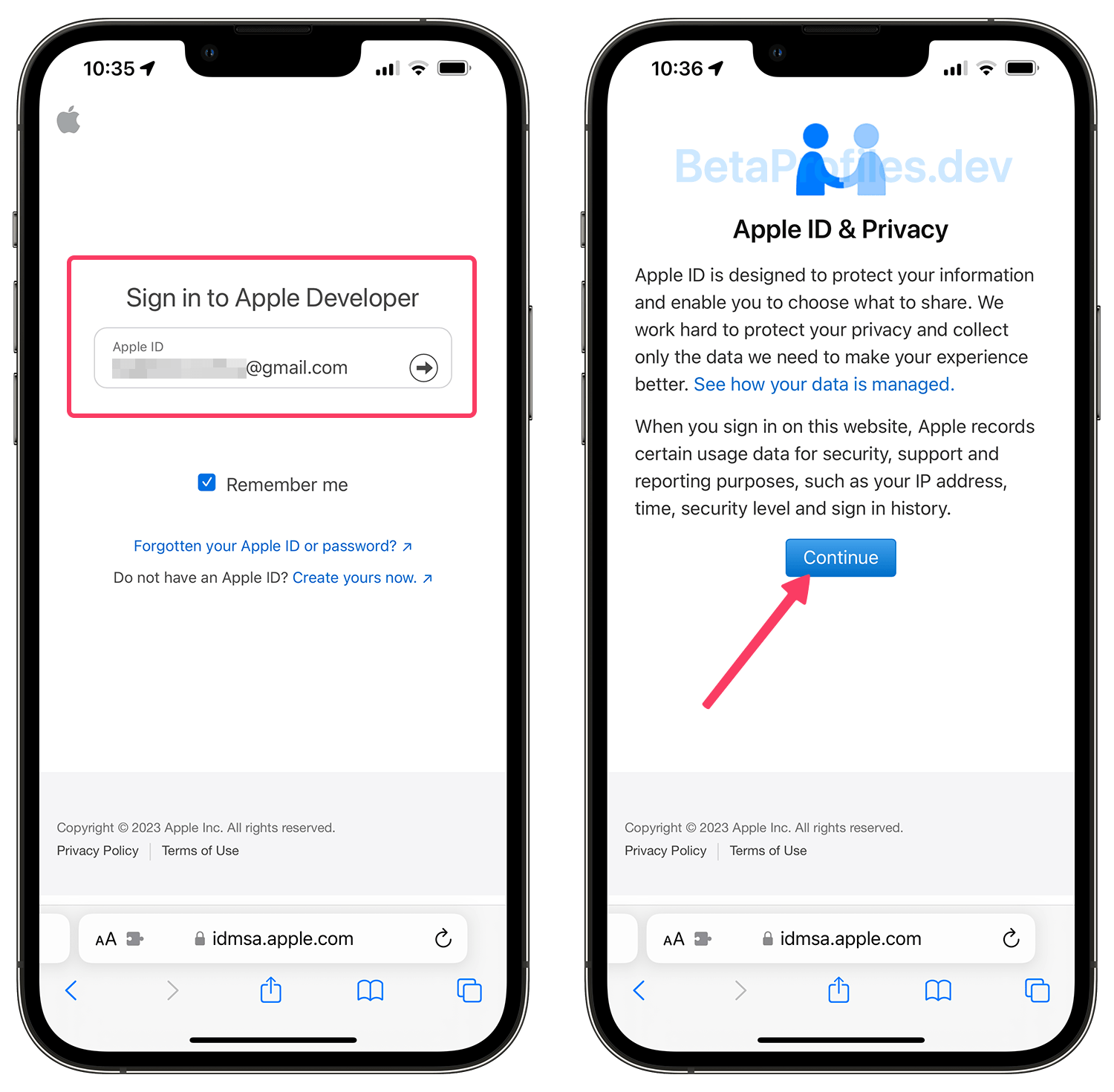
Turn on Beta Updates
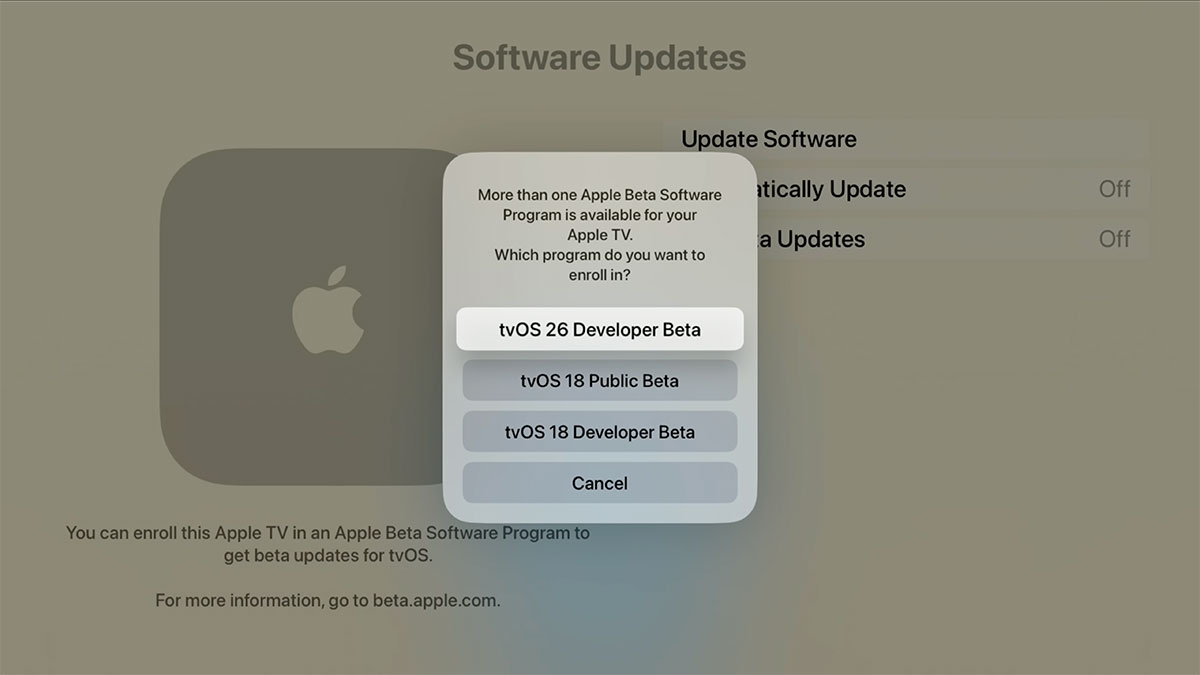
From your Apple TV, go to Settings - System - Software Updates - Get Beta Updates, click on tvOS 26 Developer Beta.
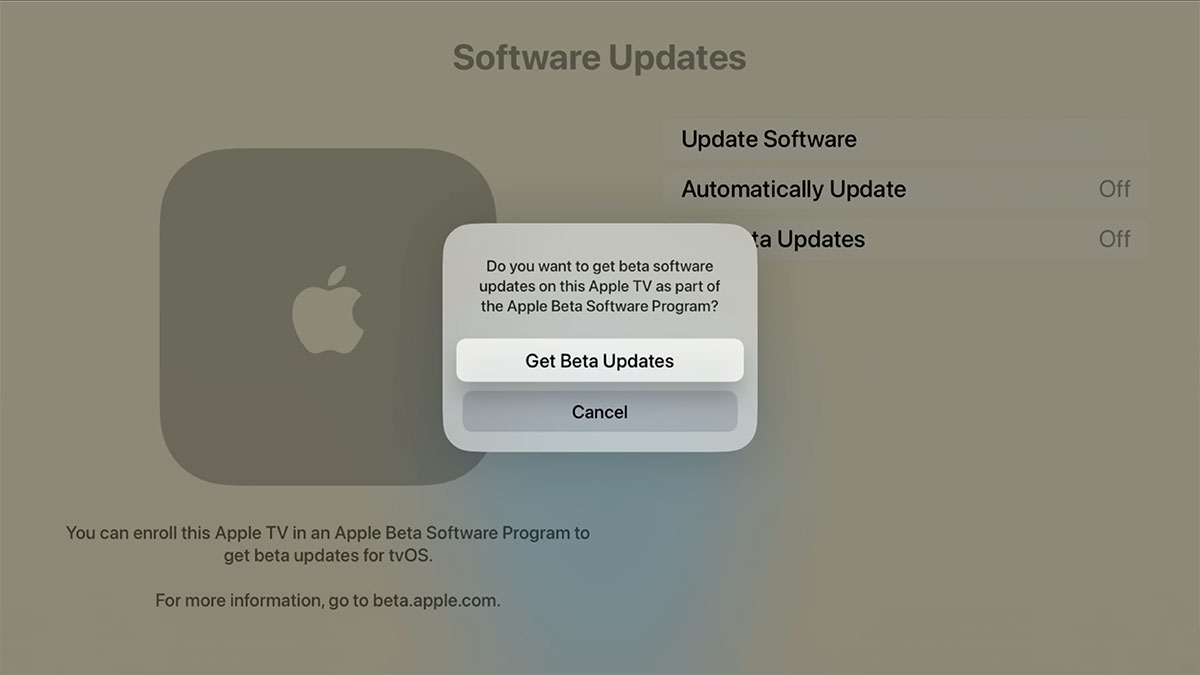
Then click Get Beta Updates to confirm.
Update your Apple TV
Once this is done, click on Update Software in the Software Updates page to get the tvOS 26.6 beta update.
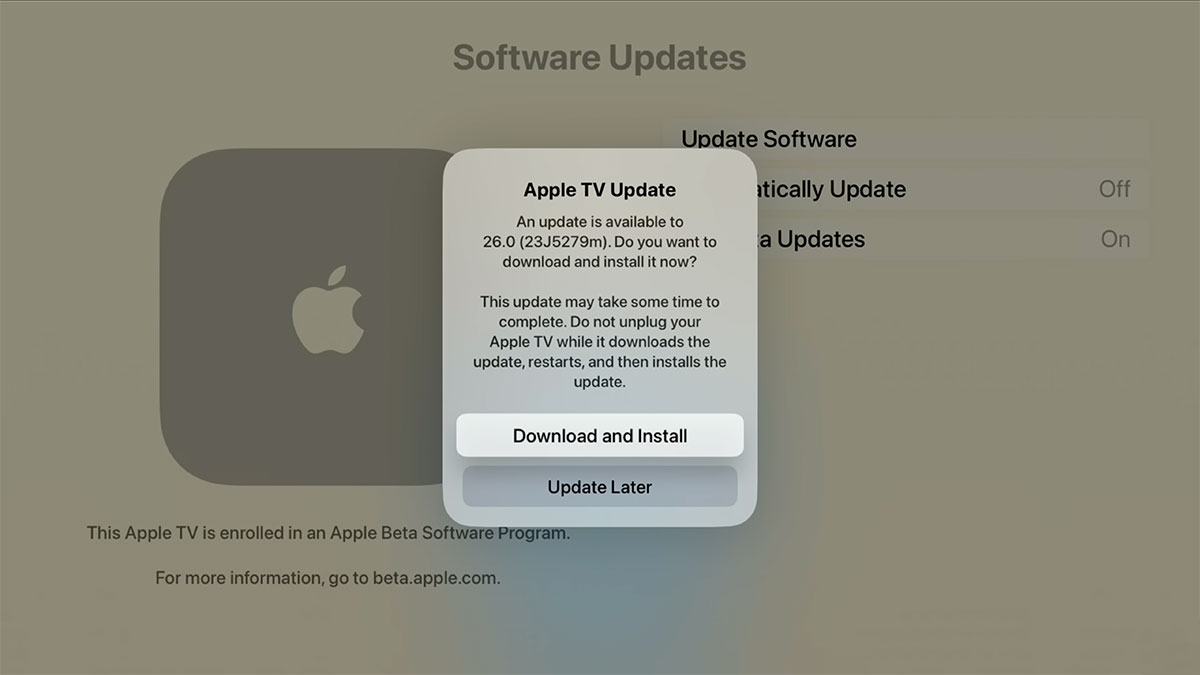
Alternatively, you can still download the .ipsw file to your Mac for manual installation via Xcode and Apple Configurator 2, instructions can be found on Google.
Sign in to Apple Beta Software Program
From your Apple TV, go to Settings > Users and Accounts. Under "Apple TV Account" sign into at least one of the account options (iCloud, iTunes and App Store, or Game Center) with the same Apple Account that you used to register for the Apple Beta Software Program.
Learn how to join the Apple Beta Software Program →Turn on Beta Updates
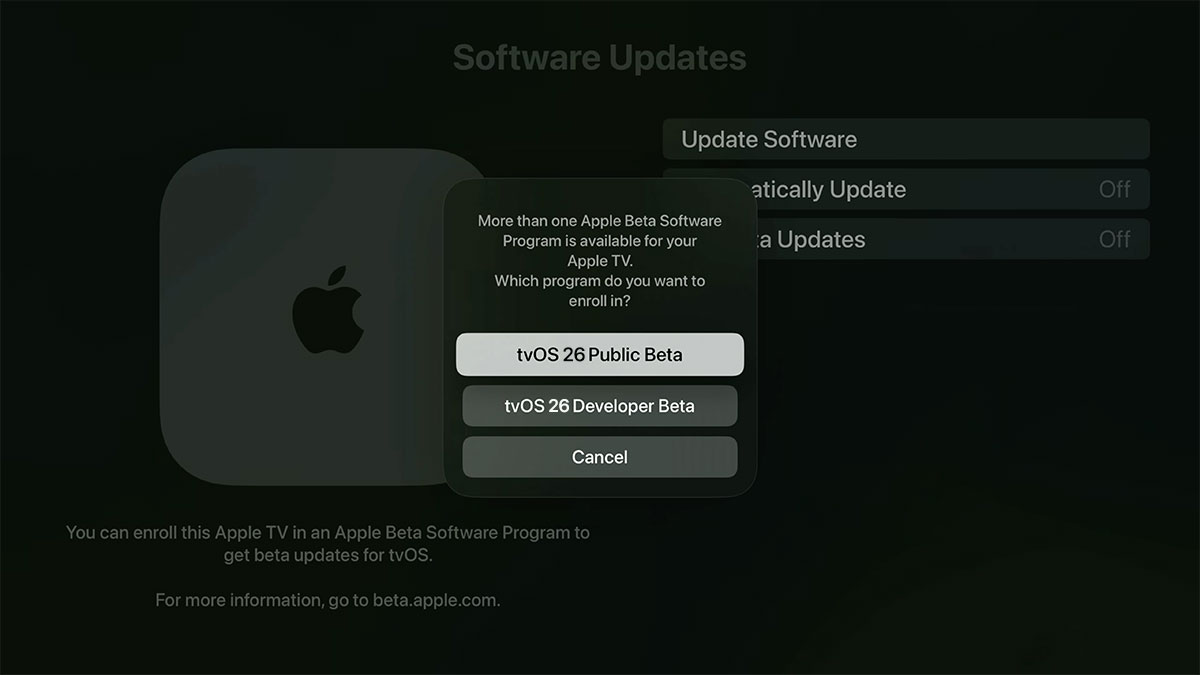
From your Apple TV, go to Settings > System > Software Update > Get Beta Updates and click on tvOS 26 Public Beta.
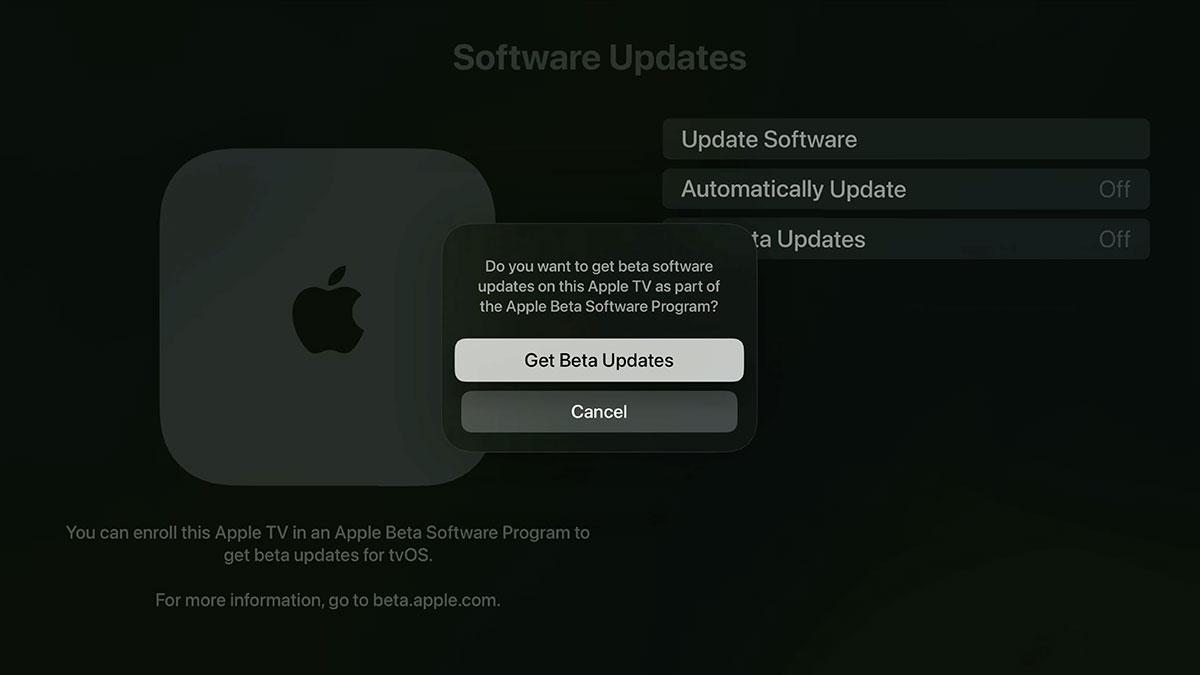
Then click Get Beta Updates to confirm.
Update your Apple TV
Your Apple TV will automatically receive the latest beta software if you have Automatically Update turned on in the Software Updates settings. To manually check for updates, go to Settings > System > Software Updates > Update Software.
At any time, you can opt out your Apple TV so that it no longer receives tvOS 26.6 beta updates by going to Settings > System > Software Updates > Get Beta Updates and choose “Off”.
Provide Feedback
The tvOS beta works with the Feedback Assistant app running on iOS or iPadOS devices enrolled in the developer (or public) beta. When you come across an issue on Apple TV that needs addressing, send your feedback to Apple with Feedback Assistant.
Need Help?
Share this page