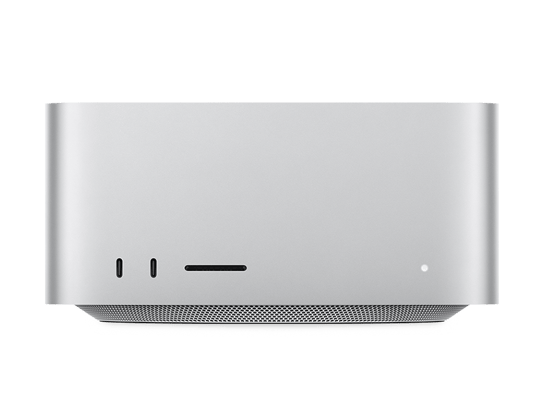
Official macOS firmware for Mac Studio (M5 Max), served directly from Apple. 5 IPSW files are listed below, including developer betas and release candidates.
How to install macOS on Mac Studio (M5 Max) with an IPSW file
A Mac with Apple silicon is restored from a second Mac. Put the Mac you want to restore into DFU mode, connect both computers with a USB C cable, open Apple Configurator, then drag the downloaded IPSW file onto the device icon. The Mac will be erased and the selected macOS version installed.
Only firmware marked as Signed can be installed today. To leave a beta and return to the public release, restore the latest signed release build listed above.